PICFOLIO PICTURE DAY / FEATURES
See how the whole picture day fits together.
The practical details that help a studio get from a family’s first sign-up to a delivered order.
REGISTRATION
Families book. Your shoot list is ready.
One link for families. A time they can choose. The names, details and consent your team needs, already attached to the event.
- Book a slot from a phone
- Collect the right details before picture day
- Send confirmations and scheduled reminders
- Work from a list that stays connected to the shoot
Actual registration form · Sample family and event. No booking is made.
 Linked to shoot list


Keep photos together.
BUILT AROUND THE SHOOT
Bring your camera.
Keep your workflow.
Capture on iPhone, iPad or Mac, or connect a supported DSLR. QR identification keeps photos attached to the right person as your team moves through the list.
Talk through your setup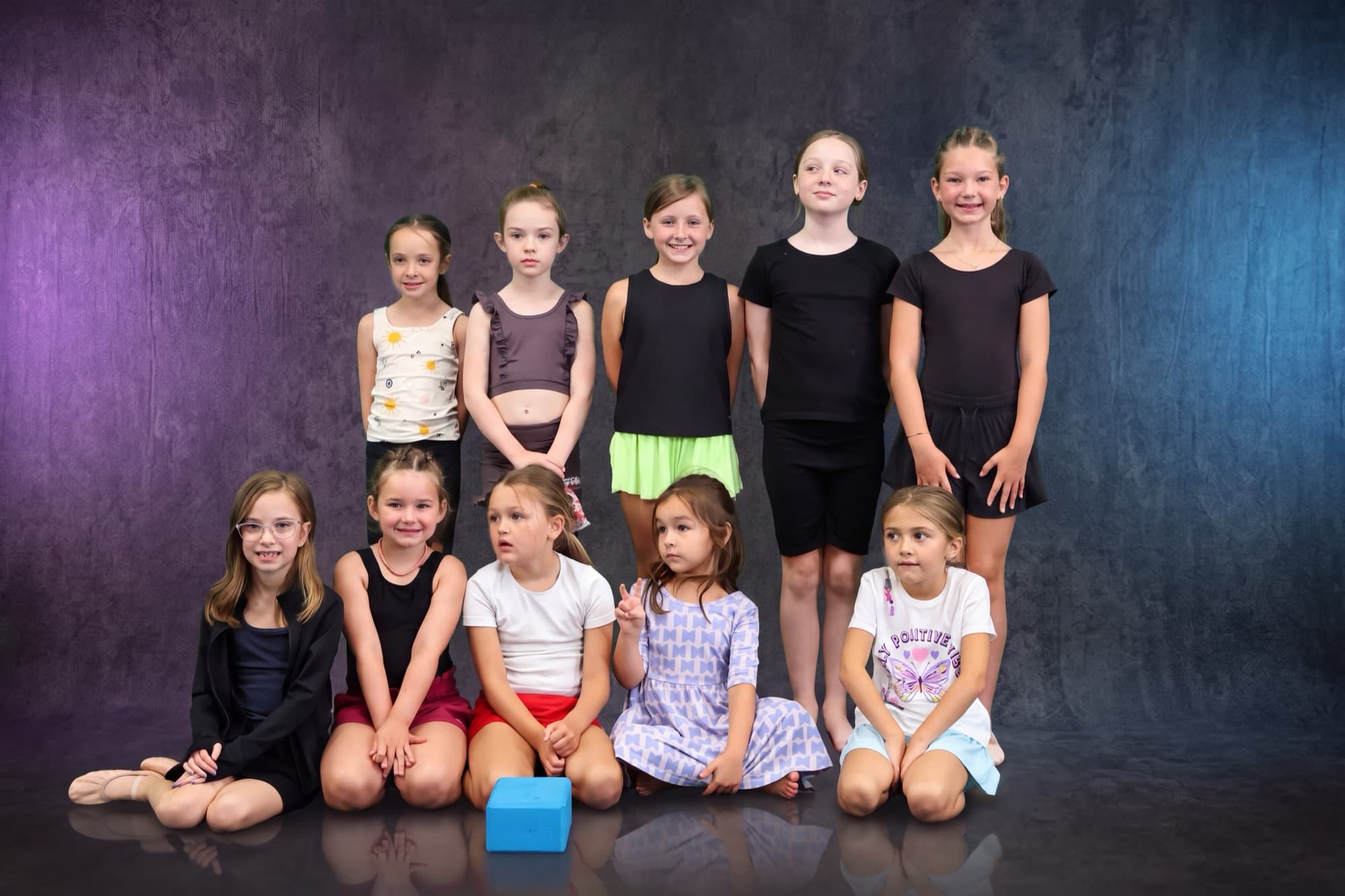
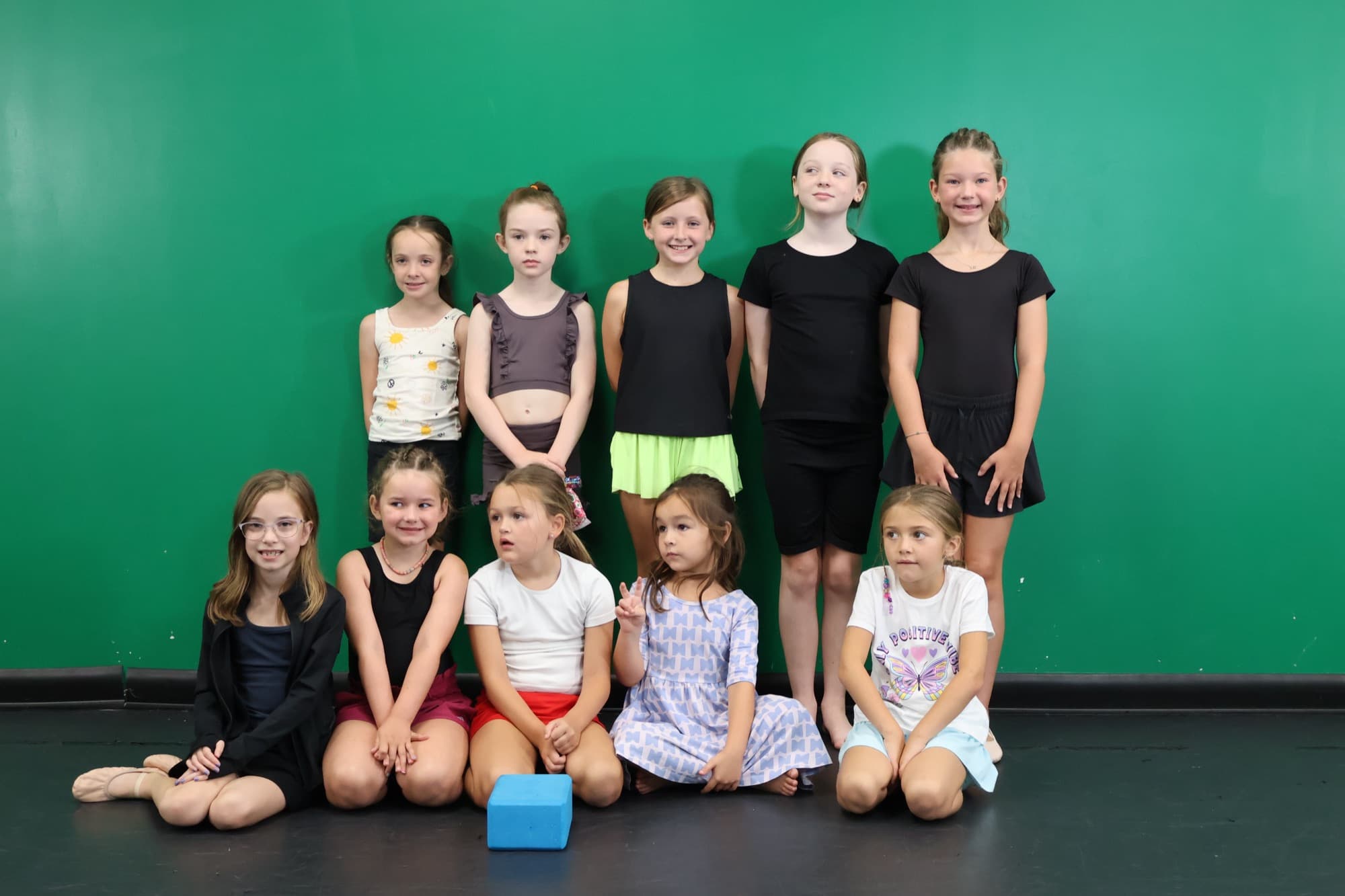
PHOTO ENHANCEMENT
The moment stays.
The background can change.
Apply your chosen look to a picture day collection. Review the results before they reach a family’s gallery, with the original photo kept alongside the finished version.
- AI touch-ups and background replacement
- Review and moderation before publishing
- Originals and finished versions kept together
GALLERIES & ORDERING
A gallery families can shop.
A branded gallery makes the collection easy to explore. Families can find favourites, choose downloads and prints, and buy a package without another ordering system.
- Family galleries and favourites
- Digital downloads, prints and packages
- Guided buying and integrated checkout
- Print fulfilment through the connected lab
Little moments.
Kept forever.
Picture day collection
EVENT MANAGEMENT
The details that make a picture day run.
A shoot list your team can follow.
Build photo sets, organise the schedule and connect each person to their images with QR identification at capture.
One collection. Several ways to sell it.
Set your downloads, print products and packages for each event. Review orders and keep delivery attached to the original sale.
Your brand, through the family experience.
Carry your studio identity into galleries and communications. Ask about Enterprise for custom domains and wider white-label requirements.
Room for the next school or venue.
Run multiple events from one workspace. Organization-held Growth and Pro plans support multiple locations, with Enterprise for larger networks.
Picfolio Picture Day
Plan your next picture day.
Walk through the workflow with our team.